LM Video Workflow Guide: What to Expect When the Editor Reopens
LM Video is temporarily closed while the rebuilt timeline is tested. Here is the intended workflow from media and timeline work through audio, graphics, credits, review, and export.
Built for Editors and creators preparing to use the rebuilt LM Video experience.
You will understand the editing path LM Video is being built around so you can decide whether the coming workflow fits your projects.
Before you start
LM Video is currently marked Coming Soon and redirects to its public app page while the editor is tested. This guide documents the intended workflow without pretending the closed beta is available today.
Step 1: Start with a named edit project
When access reopens, begin with a project title and an organized source-media plan rather than throwing unrelated files into one timeline.
Step 2: Bring media into the source area
The rebuilt workflow is designed around linked media and organized sources so large originals do not have to become a giant LM storage warehouse.
Step 3: Build the timeline with frame-aware control
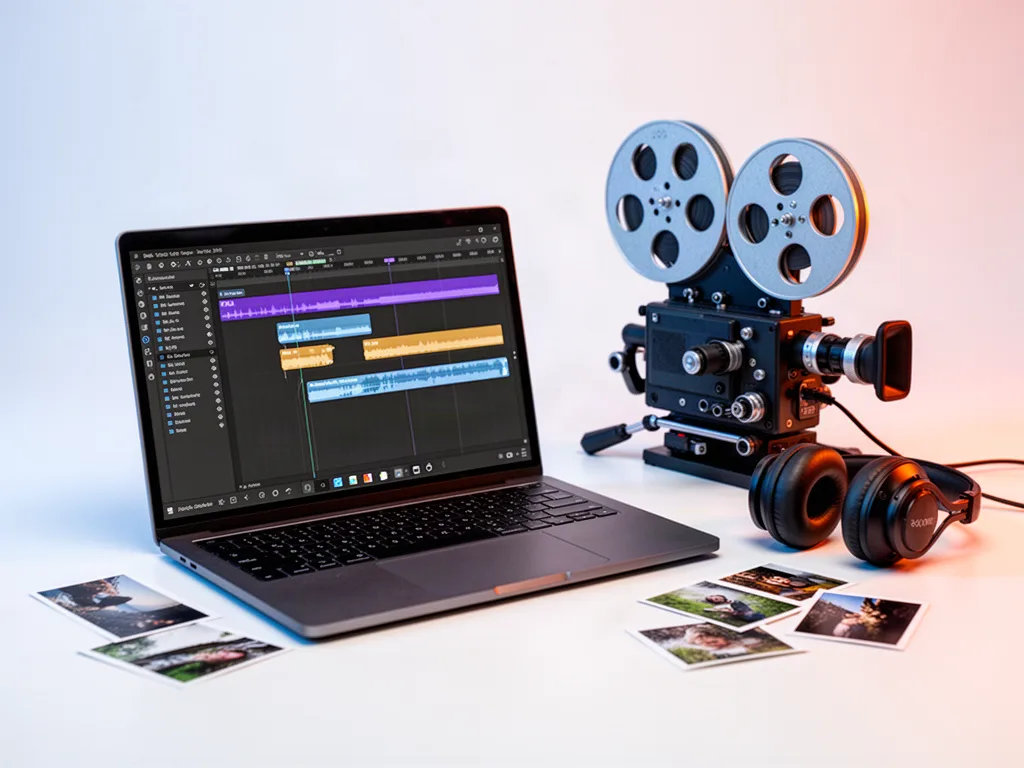
Place, trim, split, rearrange, and layer clips while keeping a visible playhead, snapping, track order, and edit context.
Step 4: Shape audio and story rhythm
Adjust clip audio and sequence timing while protecting the human pacing of the scene rather than using automation as a substitute for editorial judgment.
Step 5: Add titles, lower thirds, and credits
Use the connected graphics tools for title cards, lower thirds, and credits so visual identity can stay attached to the project.
Step 6: Review output before delivery
Check resolution, frame rate, audio sample rate, titles, credits, and the final viewing experience before creating the output that is appropriate for the current beta capabilities.
Make the workflow better
Keep source media organized before editing.
Make story decisions before adding effects.
Use project review for feedback around the cut.
Treat “coming soon” honestly; the app page will reflect when editor access is reopened.
Questions people ask
Can I use LM Video right now?
The current LM app configuration marks LM Video as Coming Soon and routes users to the public LM Video page while the rebuilt editor is being tested.
Is LM Video intended to replace every professional editor?
The product direction focuses on the editing controls creators need most without trying to reproduce every feature of large professional suites.
Open the tool and make something real.
A tutorial matters when it gets you moving. Start with a real project, keep the first version simple, and improve it as you learn.