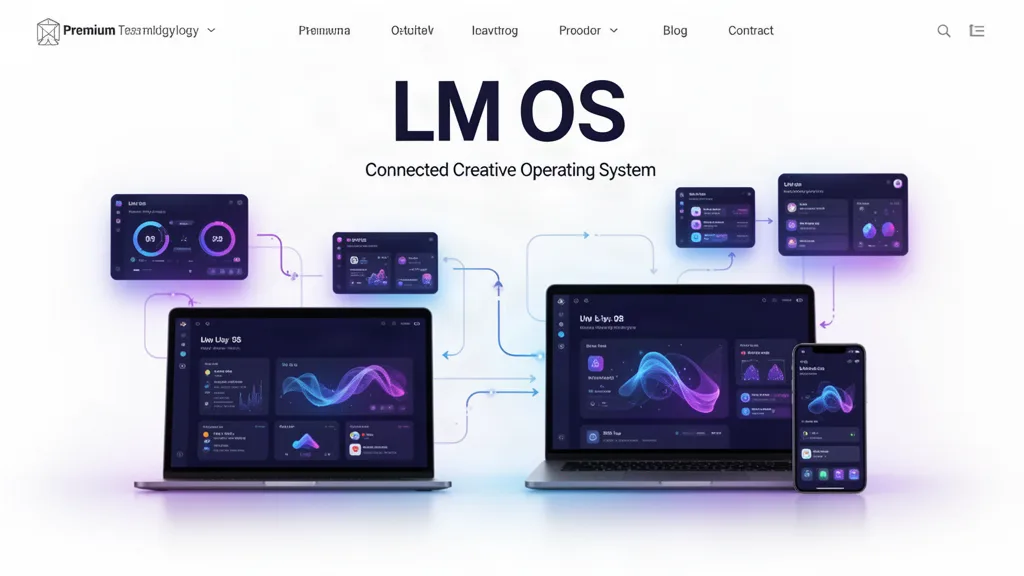
LMOS Beta Update: The Project Is Now Bigger Than the App
LMOS now has a project-first foundation: one project can hold multiple creative workspaces, shared files, tasks, collaboration context, search and notifications without destroying the specialist tools that already work.
The biggest structural change
The project is bigger than the app. LMOS owns the shared context—identity, project, files, tasks, collaboration, search and notifications—while the specialist creative environment owns the work it knows how to do.
What changed in this update
A new authenticated LMOS shell now centers Home, Projects, Create, Library, Collaborate and Learn.
Existing specialist projects were wrapped non-destructively in LMOS project containers instead of being rebuilt or erased.
A single LMOS project can add multiple specialist creative workspaces as the work grows.
A shared Library foundation can hold project-aware private assets so creators do not have to upload the same file into every tool.
Manual tasks can belong to the parent LMOS project, while real review, message and approval actions surface in the same action center.
Search can find LMOS projects, specialist workspaces, tasks and shared Library assets.
Collaboration membership now follows the parent project across its specialist workspaces instead of quietly becoming a different team in every app.
The public website now explains LMOS as one product with five clear creative environments instead of leading with a wall of separate apps.
What did not get rebuilt
The existing specialist editors remain in place. Their working routes, project payloads, autosave, versions, review systems and saved user data were not thrown away. LMOS is being layered above them carefully so the system can become more coherent without making creators pay for the architecture change with lost work.
What testers should try
Open LMOS and confirm you can understand what you are working on within a few seconds.
Create a project first, then choose a starting creative tool.
Open an existing project and confirm it still reaches its established specialist editor.
Add a second creative workspace to one LMOS project and confirm the parent project remains recognizable.
Upload a file into the shared Library and attach it to a project.
Create a parent-level task and confirm it appears alongside automatic actions.
Use search to find a project, task or asset.
Test the LMOS shell on a phone and confirm navigation feels designed for touch rather than squeezed from desktop.
What is still staged
The shared Library and collaboration layer are foundations, not a claim that every historical upload or every editor-specific review type has already been migrated. Those integrations will continue progressively so working features are connected rather than replaced.
Use the beta on real work.
The most useful feedback is not “I like it.” Tell us where you hesitated, what took too many clicks, what did not save the way you expected, and what would make this useful enough to return to next week.