

[Faith and Healing]: Your Quick-Start Guide to Safe Faith Homes , Screen Time, Church Safety, and Protecting Kids Online
- Layne McDonald
- 3 hours ago
- 5 min read

Parenting in the digital age feels like navigating uncharted territory. One minute you're celebrating your child's curiosity, and the next you're discovering they stumbled into content you never wanted them to see. Add in the unique challenges of raising kids in faith communities, where trust runs high but vigilance can't run low, and it's easy to feel overwhelmed.
I've wrestled with these same questions. How do we create homes where faith flourishes without sacrificing safety? How do we protect our children online without becoming helicopter parents? And how do we balance the beauty of church community with the reality that dangers can exist anywhere?
This guide cuts through the noise. We'll tackle screen time, church safety protocols, and digital monitoring tools, all through a lens that honors both protection and discipleship.
Why Safe Faith Homes Matter More Than Ever
Kids today are growing up in two worlds simultaneously: the physical world of school, sports, and church, and the digital world of apps, games, and social media. Both environments require intentional safeguarding.
The statistics are sobering. Studies show that most children are exposed to pornography by age 11, often accidentally. Meanwhile, churches, places we instinctively trust, sometimes lack basic safety protocols for child ministries. We can't afford to be naive, but we also can't parent from a place of fear.
The goal isn't to bubble-wrap our children. It's to equip them with wisdom, establish protective boundaries, and create environments where they can explore their faith safely.
Screen Time: Setting Boundaries Without Starting Wars
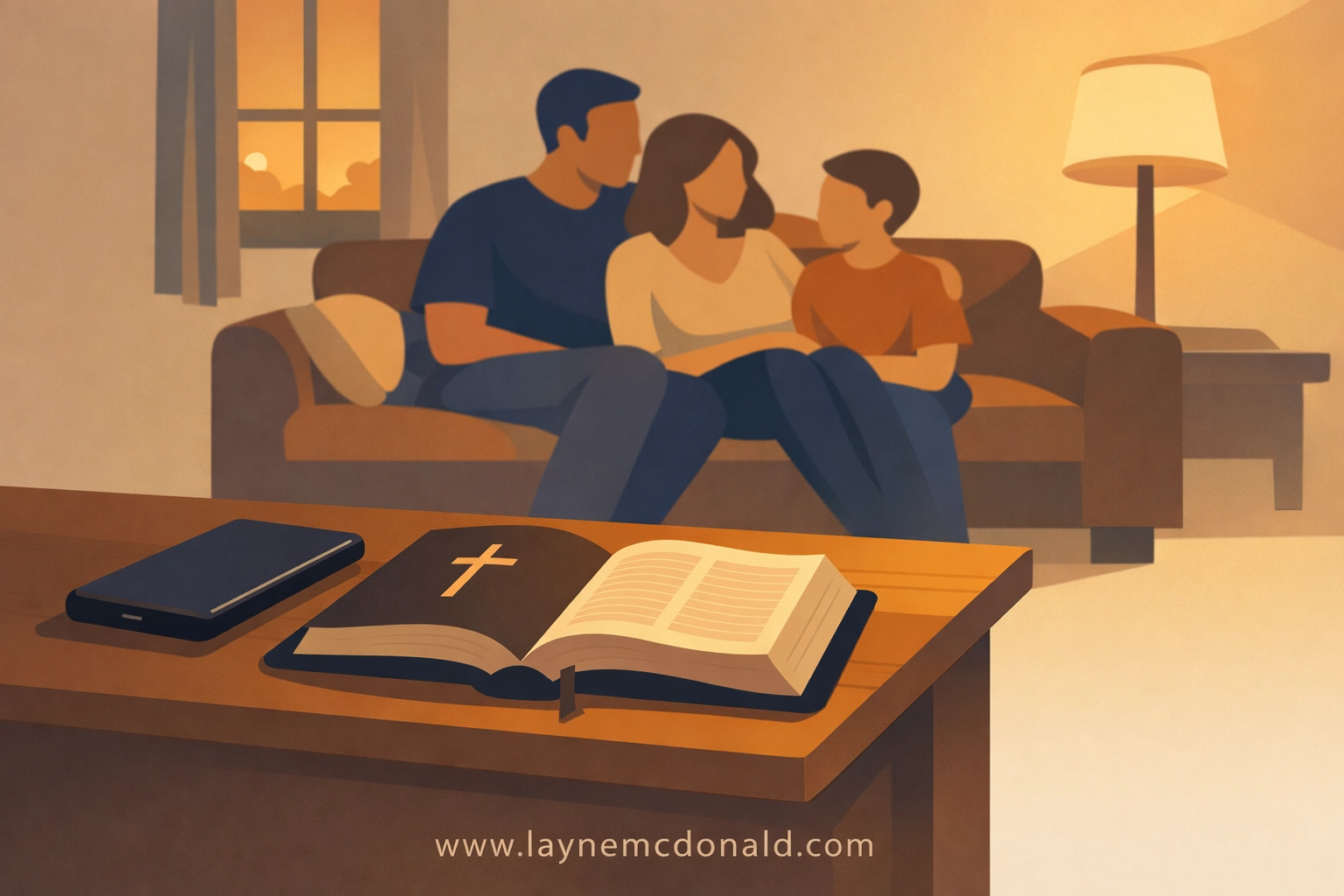
Screen time is one of the most divisive topics in Christian parenting circles. Some families go full tech-free; others adopt a more moderate approach. There's no one-size-fits-all answer, but there are principles that work.
Start with "why," not "how much." Before you set time limits, have a conversation about why screens exist in your home. Are they tools for learning? For connection? For entertainment? When your kids understand the purpose, they're more likely to respect the boundaries.
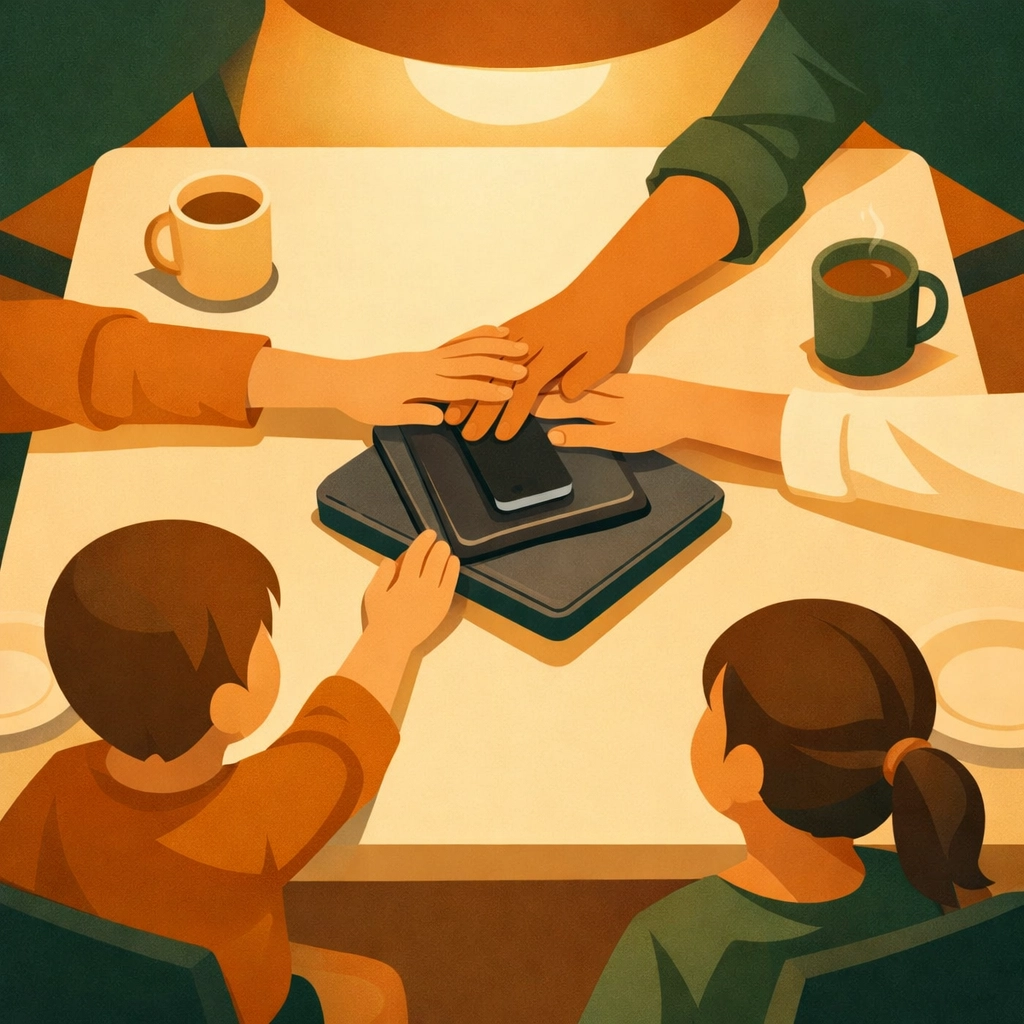
Create device-free zones and times. Bedrooms, dinner tables, and Sunday mornings are great places to start. Charging stations in common areas prevent late-night browsing and help everyone sleep better. Morning devotions without phones teach kids that God gets first attention, not notifications.
Model what you preach. If you're scrolling through social media during family movie night, your limits won't stick. Kids watch what we do more than they listen to what we say. Put your own phone down, and they'll learn the same discipline.
Use screen time as a teaching tool, not just a restriction. Watch shows together and talk about what you see. When something questionable pops up, pause and discuss it. These moments build critical thinking skills that serve kids long after they leave your house.
Church Safety: Loving Well While Protecting Fiercely
Church should be one of the safest places for our kids. Most of the time, it is. But "most of the time" isn't good enough when we're talking about children.
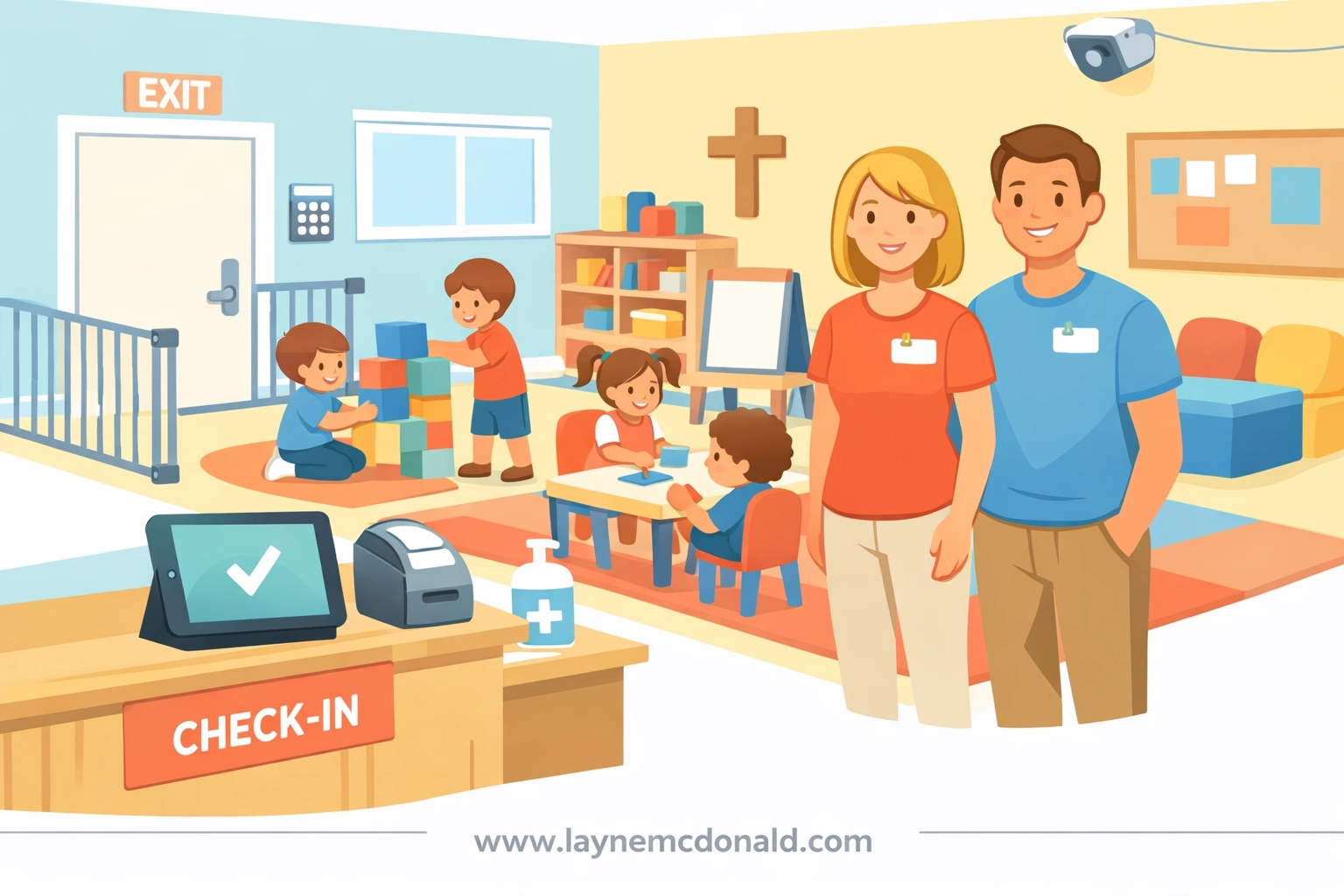
Ask the right questions before you drop off your child. Does the church require background checks for all volunteers? Is there a two-adult rule in every classroom? Are bathrooms monitored or located in high-traffic areas? These aren't rude questions, they're responsible ones.
Know the check-in and check-out procedures. Secure children's ministries use name tags, ID numbers, or digital systems to ensure kids only leave with authorized adults. If your church doesn't have a system like this, advocate for one. Safety isn't about distrust; it's about protecting everyone involved.
Watch for red flags in leadership and volunteers. Anyone who discourages parental involvement, insists on private one-on-one time with kids, or pushes back against safety protocols should raise concern. Healthy leaders welcome accountability.
Teach your kids body autonomy and safe touch. Even in church settings, children need to know they can say no to hugs, that private parts are private, and that secrets about touch are never okay. Role-play scenarios at home so they're prepared to speak up if something feels wrong.
Stay engaged even when your child is in "good hands." Pop in unannounced during Sunday school. Volunteer occasionally. Ask your child open-ended questions about their experience: "What was your favorite part today?" "Did anything make you uncomfortable?" Kids are more likely to share when we're consistently curious, not just interrogating.
Protecting Kids Online: Bark vs. Covenant Eyes (and What Actually Works)
Digital safety tools are essential, but no app can replace active, engaged parenting. That said, monitoring software gives you eyes where you can't physically be.
Covenant Eyes is popular in Christian circles for its accountability and filtering features. It sends reports to an accountability partner (you) and blocks explicit content. It works well for older teens and adults who need accountability rather than strict parental control. The downside? It's primarily filter-based, so it won't catch concerning behavior on social media or messaging apps.
Bark takes a different approach. It monitors texts, emails, social media, and even YouTube for red flags like bullying, suicidal language, sexual content, and predatory behavior. Instead of blocking everything, it alerts you when something concerning appears. This makes it ideal for tweens and younger teens who need room to grow but still require oversight.
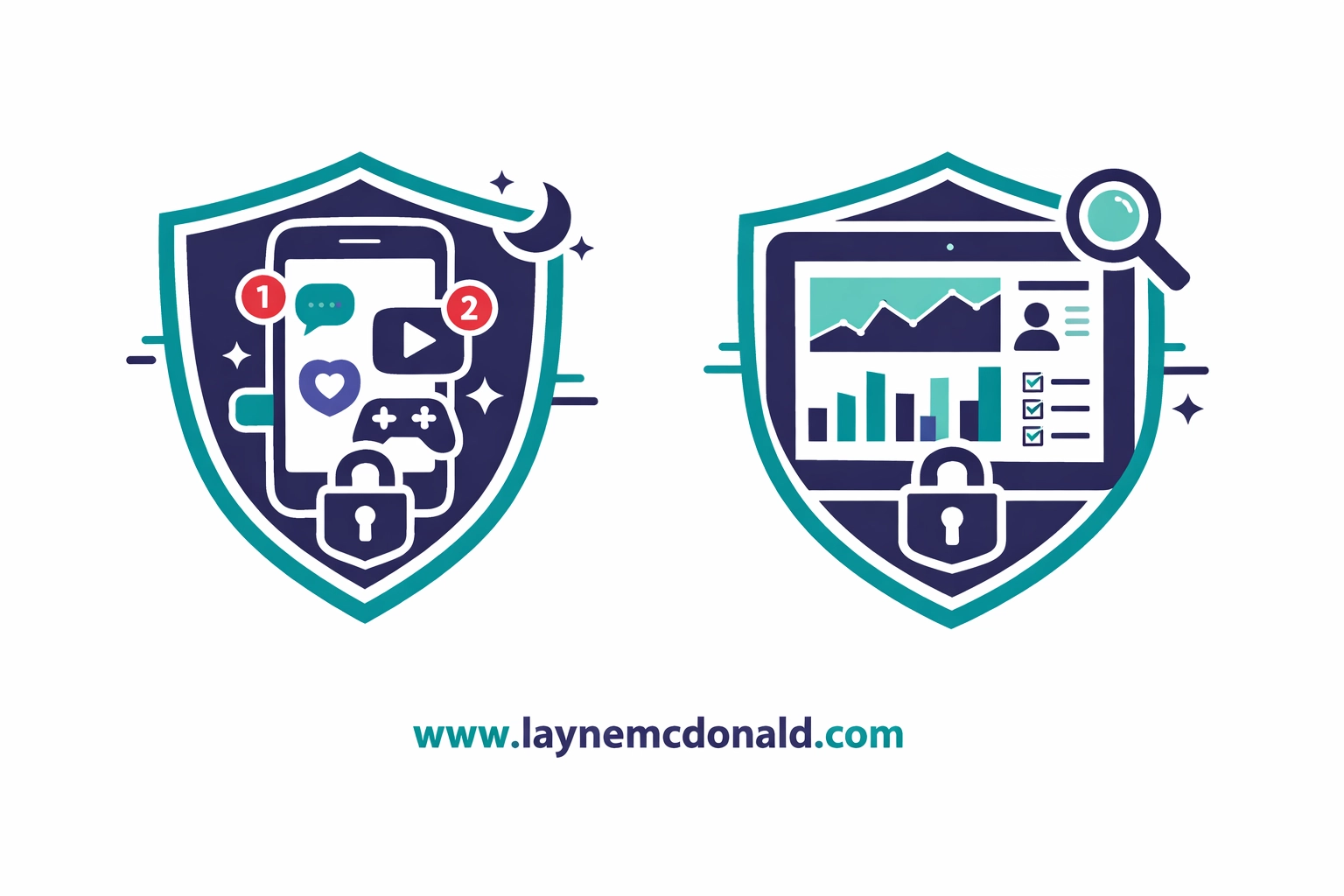
My take? If you have younger kids or kids new to devices, start with Bark. It gives you visibility without micromanaging every click. For older teens who've earned trust and need accountability more than monitoring, Covenant Eyes works well: especially when paired with honest conversations.
But here's the real secret: No software replaces relationship. The kids who navigate the online world best are the ones who know they can come to their parents when something goes wrong: without fear of losing their devices forever.
Practical Action Steps You Can Take Today
Let's make this actionable. Here's what you can do right now to start building a safer faith home:
Final Thoughts: Protection and Faith Go Hand in Hand
Raising kids in a dangerous world doesn't mean we parent from fear. It means we parent with wisdom. We lock the doors at night not because we're paranoid, but because we love the people inside. The same logic applies to screen time, church safety, and online monitoring.
Safe faith homes are built on three pillars: clear boundaries, open communication, and relentless love. When we get those right, our kids grow up knowing they're protected, valued, and equipped to navigate whatever the world throws at them.
You don't have to be a perfect parent. You just have to be a present one. Start small, stay consistent, and trust that God is working alongside you every step of the way.
Need prayers? Text us day or night at 1-901-213-7341.
Visit www.laynemcdonald.com for coaching, mentoring, music, and more. Every visit helps raise funds for families who have lost children via Google AdSense at no cost to you. Reach out to me directly on the site.
For more faith-based resources and community support, check out www.boundlessonlinechurch.org.

$50
Product Title
Product Details goes here with the simple product description and more information can be seen by clicking the see more button. Product Details goes here with the simple product description and more information can be seen by clicking the see more button

$50
Product Title
Product Details goes here with the simple product description and more information can be seen by clicking the see more button. Product Details goes here with the simple product description and more information can be seen by clicking the see more button.
$50
Product Title
Product Details goes here with the simple product description and more information can be seen by clicking the see more button. Product Details goes here with the simple product description and more information can be seen by clicking the see more button.
Comments