Family and Parenting: A No-Panic Phone Plan: How I Introduce Tech to My Kids in Stages
- Dr. Layne McDonald
- Feb 8
- 6 min read

I remember the first time someone handed my toddler a tablet at a family gathering. My stomach dropped. Not because screens are evil: but because I hadn't thought through my plan yet. I felt behind, unprepared, and honestly a little panicked.
That moment pushed me to stop reacting and start planning. I didn't want to be the parent who either banned all technology out of fear or handed over devices without boundaries. I wanted a middle road: intentional, age-appropriate, and rooted in purpose rather than panic.
Here's the staged approach I've been using with my kids. It's not perfect, and it won't look exactly like yours: but it's given me confidence and clarity in a noisy, screen-saturated world.
The Foundation: Tech Is a Tool, Not a Babysitter
Before I get into specific age stages, I had to settle something in my own mind: technology isn't inherently good or bad. It's a tool. Like a hammer can build a house or break a window, screens can teach my kids creativity and problem-solving: or they can numb them into passive consumption.
The difference? My involvement.
I decided early on that if a screen was going to be part of my kids' lives, I'd be part of that screen time. That one decision shaped everything else.
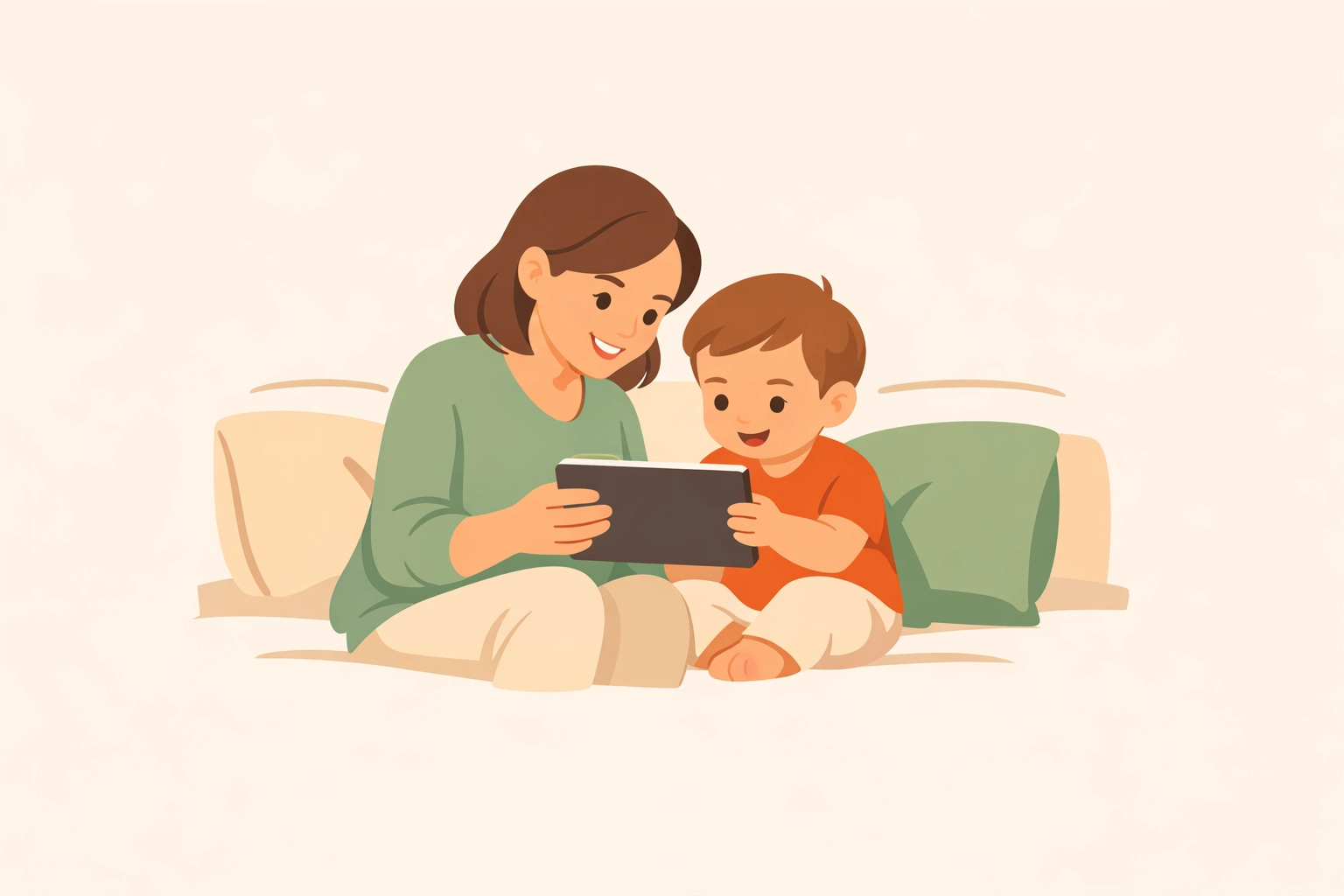
Stage 1: Under 18 Months: The "Almost No Screen" Phase
For babies and very young toddlers, I keep it simple: no screens, with one exception.
That exception? Video calls with grandparents, aunts, uncles, and friends who live far away. I don't count FaceTime with Grandma as "screen time" because it's interactive. My daughter waves, blows kisses, and lights up when she sees familiar faces. That's relational, not passive.
Everything else can wait. At this stage, my kids are learning about the world through touch, movement, and face-to-face interaction. Screens don't add value yet: they just compete with what actually helps their brains grow.
Key principle: If it's not interactive and relational, it's off the table.
Stage 2: 18 Months to 3 Years: Co-Engaged and Purposeful
Once my kids hit toddlerhood, I started introducing screens in very specific, co-engaged ways. The rule: I'm always there, and we're always doing something together.
Here's what that looked like in practice:
Video playdates: My son "played" with his cousin across the country. We set up toys on both ends and narrated what we were doing. It wasn't just staring: it was interactive play with a screen as the bridge.
Dance parties: We used kid-friendly music apps and danced together in the living room. The screen wasn't the focus; movement and fun were.
Turn-taking apps: I introduced a simple drawing app and taught the concept of "one finger at a time." We took turns adding to a picture. It became a lesson in patience and collaboration, not just entertainment.
The goal wasn't to entertain them: it was to use technology with them for a clear purpose. No handing over a tablet to keep them quiet. That's a slippery slope I wasn't willing to start down.

Stage 3: 3 to 5 Years: Creativity Over Consumption
Preschool age is when I shifted from "co-engaged" to "collaborative creation." I wanted my kids to see screens as tools for making things, not just watching things.
We started experimenting with:
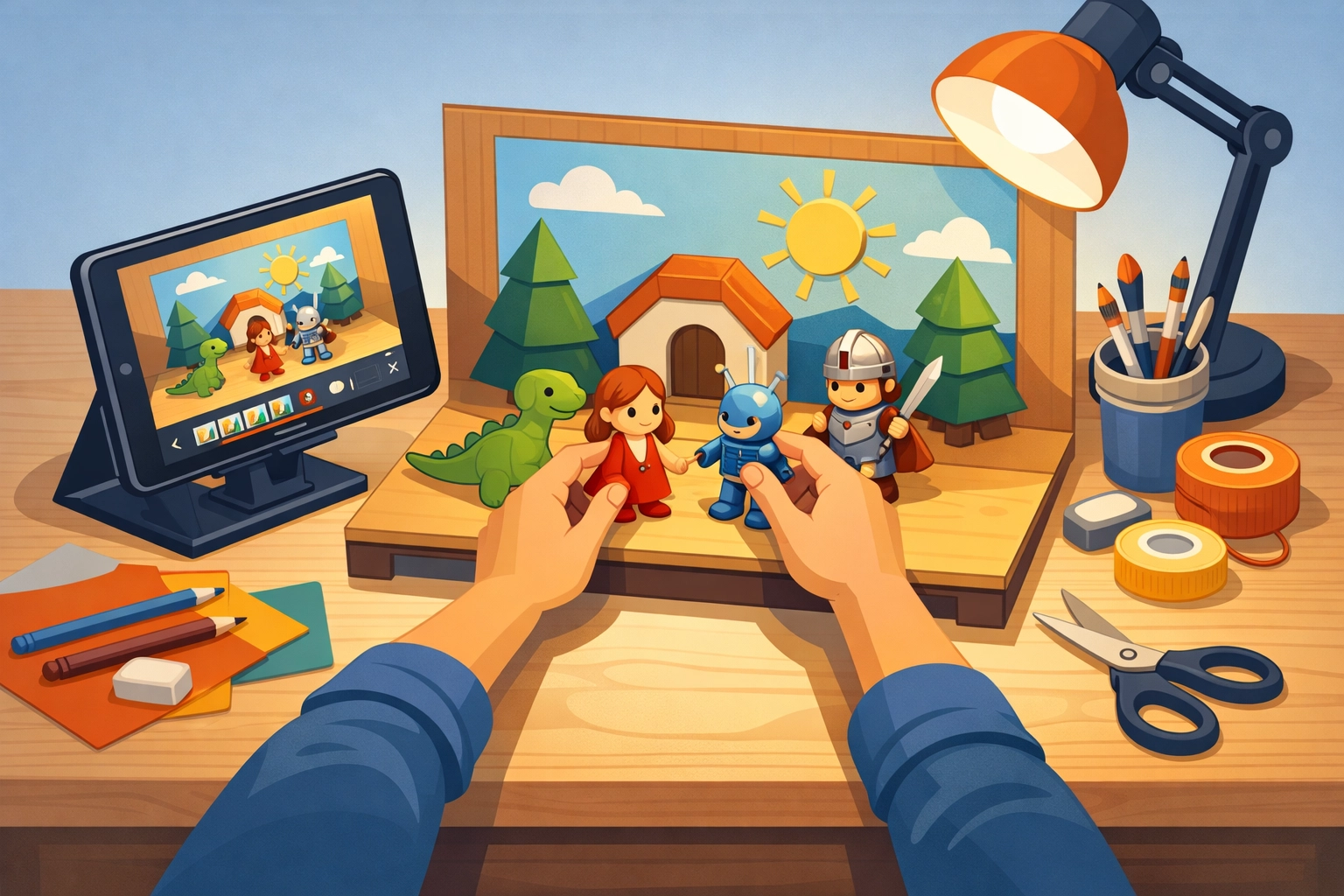
Stop-motion videos: We used a simple animation app to bring their toy stories to life. My daughter arranged her dolls, and we captured each frame. Then we watched it play back like a movie. Her face the first time she saw it? Priceless.
Recording performances: My son loves putting on "shows." We started recording his performances, adding sound effects and music. He learned that technology could amplify his creativity, not replace it.
Digital storytelling: We used apps where they could illustrate their own stories and record their voices. It combined drawing, storytelling, and tech in a way that felt purposeful.
I made it a point to talk through what technology could do: "We can use this to create videos, take photographs, and add our own creative spin." I wanted them to see the screen as a blank canvas, not just a source of endless content.
Stage 4: 6+ Years: Building Skills Alongside Creativity
Once my kids hit elementary school age, I added another layer: foundational skills like coding, problem-solving, and research.
We introduced:
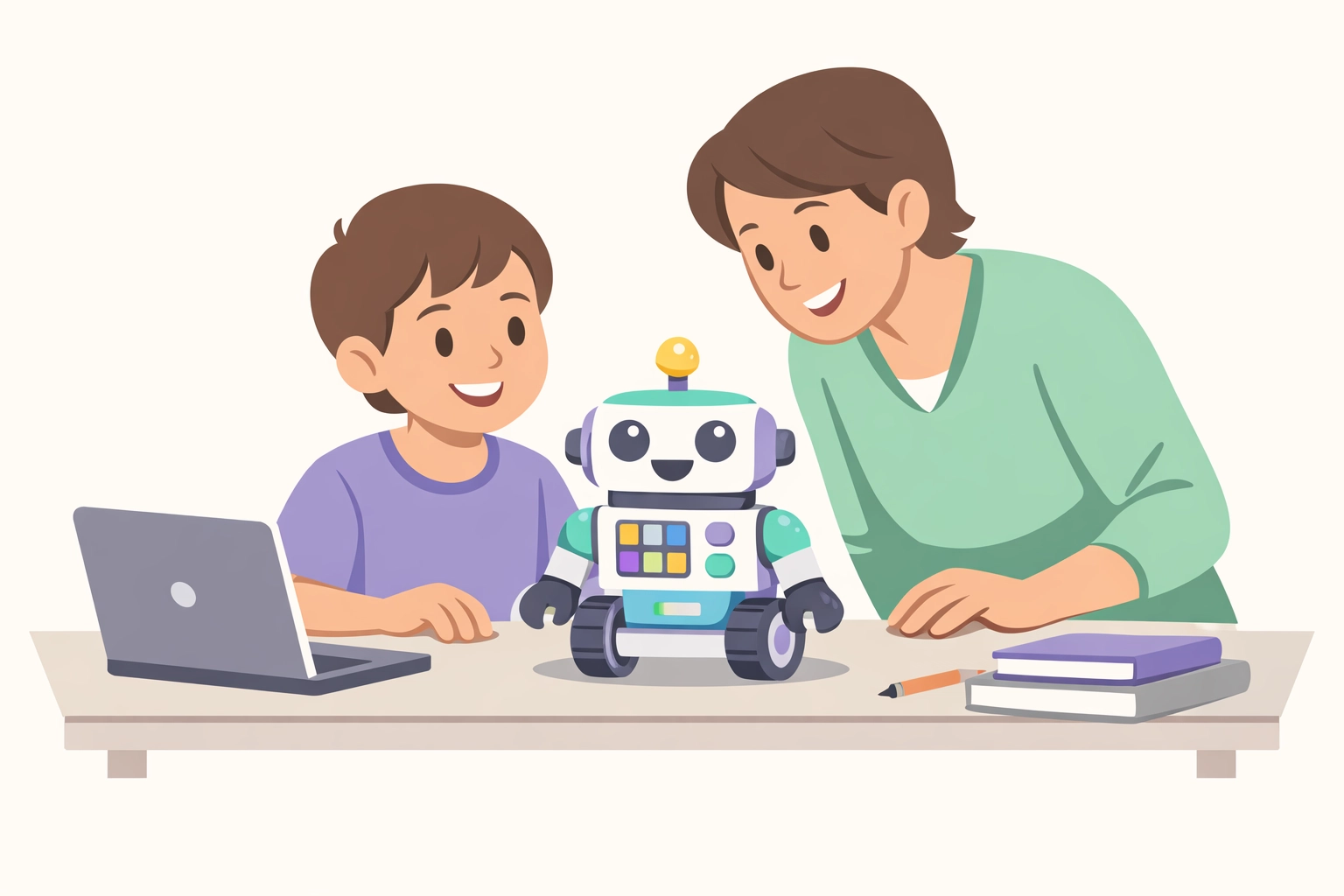
Programmable robot games: Games like Robot Turtles taught directional thinking and basic logic without even needing a screen. My son loved "programming" the turtle to reach the jewel.
Drag-and-drop coding apps: Simple apps that let kids create animations by dragging blocks of code. They learned cause and effect: "If I put this block here, the character jumps."
Interactive e-books with captions: These helped with early literacy. My daughter could read along, hear the words, and see the pictures all at once.
Research projects: When my son got obsessed with how volcanoes work, we used videos, websites, and digital books to explore together. Technology became a gateway to curiosity, not a distraction from it.
The "Three C's" Framework I Use Every Time
No matter the age or activity, I run everything through this mental checklist: the Three C's:
Content: Does this help my child learn, engage, or express themselves? Or is it just flashy entertainment?
Context: What's happening before, during, and after? Am I nearby? Are we talking about it? Or is the screen replacing real interaction?
Individual child: Is this a good fit for this kid, at this stage, with their unique needs and abilities?
If I can't answer those questions confidently, the screen stays off.
My Plan for Smartphones: The Long Game
Here's where I know I'll face pushback: from my kids and other parents. But I'm planning to delay smartphones with apps and social media until high school.
Through middle school, my plan is talk-and-text only. A basic phone for safety and communication, but no apps, no social media, no endless scroll.
Why? Because I want a long runway to build healthy tech habits before the stakes get higher. I want my kids to understand purpose, boundaries, and self-control with simpler technology first. Then, when they're older and more equipped, we'll add complexity.
Will this be easy? No. Will it be popular? Probably not. But I'd rather have hard conversations now than regrets later.
What I've Learned Along the Way
This staged approach isn't foolproof. There have been moments when I've caved and handed over a tablet just to get through a grocery trip or a long car ride. I'm not perfect, and I don't pretend to be.
But having a plan: even an imperfect one: has taken the panic out of the equation. I know my "why." I know my stages. And when I mess up or make an exception, I'm making a conscious choice, not just reacting out of exhaustion or pressure.
Here's what I'd tell any parent starting this journey:
You don't have to ban all screens. You just have to be intentional about when, how, and why they're used.
Co-viewing changes everything. Your presence turns passive screen time into active learning.
Creativity beats consumption. Teach your kids to make things with technology, not just watch things on it.
Delay the hard stuff. You don't have to rush into smartphones and social media. Give your kids time to grow into it.
Takeaway / Next Step
If you're feeling overwhelmed or behind on tech boundaries, start small. Pick one stage that fits where your kids are right now. Try one co-engaged activity this week. Have one conversation about what technology can do.
You don't need a perfect plan: you just need a plan. And you can adjust as you go.
Parenting in a digital world is hard, but it's not impossible. We can raise kids who use technology wisely, creatively, and purposefully: but it starts with us leading the way, one intentional choice at a time.
If you found this helpful, I'd love to hear how you're navigating tech with your kids: reach out to me on the site and let's keep the conversation going. Visiting the site also helps raise funds for families who lost children at no cost to you, through ad support. And if you're looking for a faith community that meets you where you are, check out Boundless Online Church: accessible privately or with sign-up, offering solid Christian teaching and real community. Don't forget to share this post with another parent who might need the encouragement!
Comments