
Family and Parenting: Your Quick-Start Guide to Digital Safety: Protect Your Kids Online in 5 Steps (Easy Guide for Busy Parents)
- Dr. Layne McDonald
- Feb 14
- 6 min read

Updated: Jul 14
Let's be honest, keeping kids safe online feels overwhelming. Between work, meals, activities, and everything else on your plate, adding "internet security expert" to your parenting resume probably wasn't in the plan.
But here's the truth: you don't need to be a tech genius to protect your kids online. You just need a simple system that actually works.
As Christian parents, we're called to be good stewards of the children God has entrusted to us. That includes guarding their hearts and minds in the digital spaces where they spend increasing amounts of time. The good news? You can create a safer online environment in just five practical steps, without spending hours researching or monitoring every click.
Step 1: Start Talking Early and Keep It Open
The foundation of digital safety isn't software, it's communication.
Start conversations about internet safety as soon as your child begins using devices. This doesn't mean delivering a scary lecture about online predators. Instead, create an atmosphere where they feel comfortable coming to you when something feels off.

Make it clear: If they see something uncomfortable, confusing, or unusual online, they should tell you immediately, no questions asked, no punishment.
Think of it like teaching them to look both ways before crossing the street. You're not trying to terrify them about cars; you're equipping them with wisdom to navigate safely. The digital world requires the same approach.
Frame these conversations positively. Instead of "The internet is dangerous," try "Let's talk about how to make smart choices online." This shifts the tone from fear to empowerment.
And here's the crucial part: keep the dialogue ongoing. One talk isn't enough. Make digital safety a regular topic at the dinner table, in the car, or during those quiet moments before bed. When your kids know they can always come to you, without judgment, you've built your strongest line of defense.
Step 2: Set Clear Boundaries and Rules
Kids thrive with structure. Boundaries aren't restrictive; they're protective.
Establish specific expectations about:
When screens are allowed (before or after homework? during meals? at bedtime?)
Where devices can be used (common areas only? bedrooms allowed?)
What types of content are appropriate
How long they can spend on devices each day
Write these rules down. Post them somewhere visible. Better yet, create them together as a family so everyone has buy-in.
Consider implementing device-free zones and times. Many families find success with "no phones at the dinner table" or "all devices charge in the kitchen overnight." These boundaries create natural breaks from screen time and eliminate the temptation for late-night browsing.
Consistency matters more than perfection. If you set a rule, follow through. When exceptions arise (and they will), explain why. This teaches kids that boundaries exist for their protection, not as arbitrary restrictions.
From a Christian perspective, these boundaries reflect God's design. Just as He sets loving limits to protect us, we create digital boundaries to guard our children's innocence and well-being.
Step 3: Use Parental Controls and Supervise Actively
Technology can work for you, not against you.
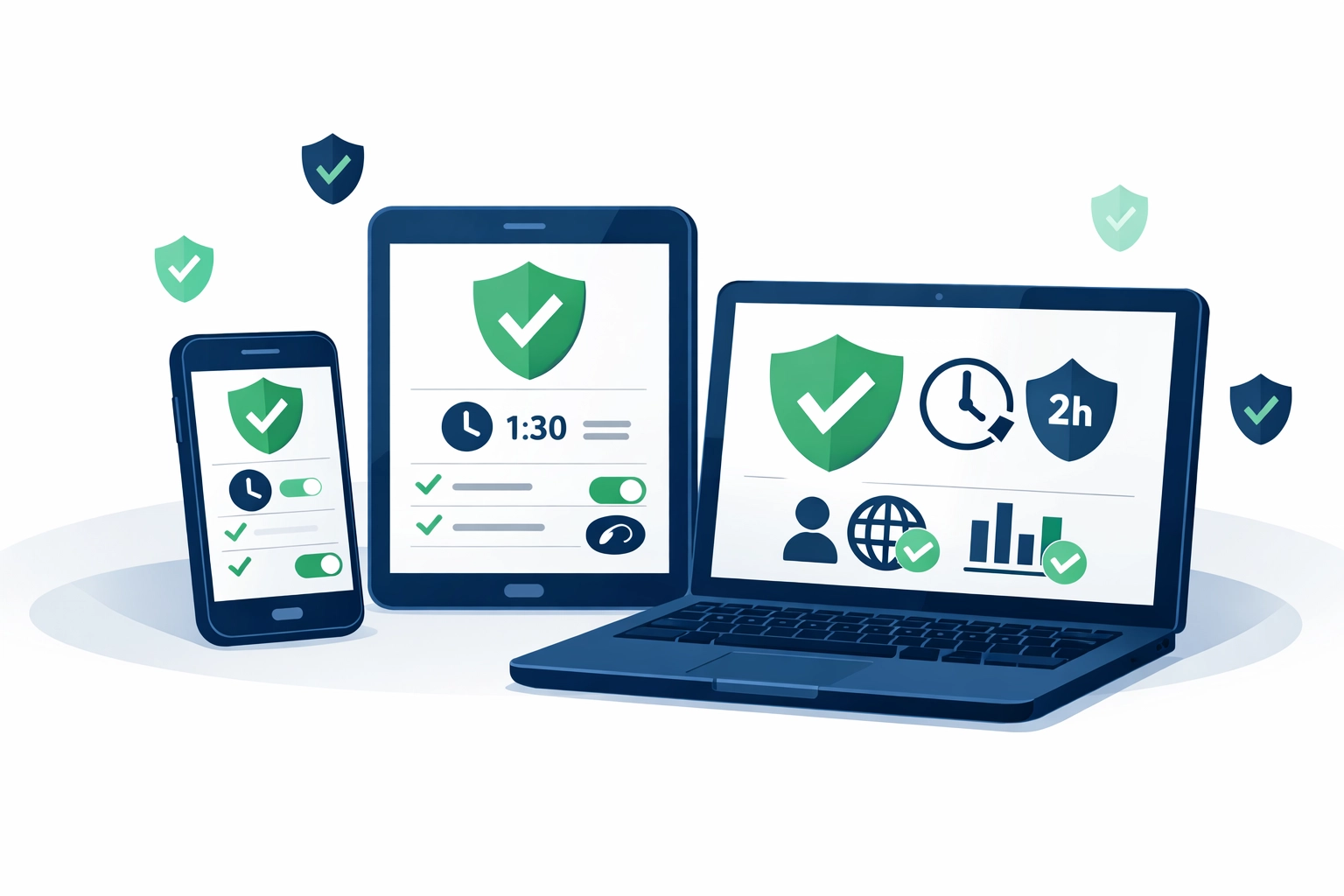
Most devices already include built-in parental controls, you just need to activate them:
Apple devices: Use Screen Time to set content restrictions, time limits, and monitor activity
Android devices: Set up Google Family Link for similar controls
Windows PCs: Microsoft Family Safety offers filtering and monitoring
Gaming consoles: Each platform (Xbox, PlayStation, Nintendo Switch) has robust parental settings

Don't stop at device settings. Consider dedicated monitoring tools designed for families. Two popular options in Christian circles are:
Covenant Eyes: Focuses on accountability and filtering, particularly helpful for blocking inappropriate content. It sends reports to an accountability partner (like a spouse or mentor) and works across multiple devices.
Bark: Uses AI to monitor texts, emails, social media, and more for potential dangers like cyberbullying, predators, or depression indicators. It alerts parents only when something concerning appears, rather than requiring constant manual review.
Both have their strengths. Covenant Eyes excels at preventing exposure to explicit content, while Bark provides broader social monitoring. Many families use both for comprehensive coverage.
But here's what matters most: keep devices in common areas like the living room, not bedrooms. This simple step provides natural supervision without feeling invasive. When screens are out in the open, kids are far more likely to make wise choices.
Step 4: Know Their Apps, Games, and Contacts
Would you let your child play at a stranger's house without knowing anything about the family? Of course not.
The same principle applies online. Before your child downloads or uses any app, game, or platform, review it yourself.
Ask these questions:
Does this app allow direct messaging with strangers?
Are there video chat features?
Can users remain anonymous?
What age rating does it carry?
What privacy settings are available?
Predators often target platforms with built-in communication features, especially those that allow anonymity or disappearing messages. Games like Roblox, Fortnite, and Minecraft have chat functions. Social apps like TikTok, Snapchat, and Instagram all enable direct contact with strangers.
This doesn't mean banning everything. It means knowing what your kids are using and configuring privacy settings appropriately. Set profiles to private. Disable location sharing. Limit who can contact them. Review their friend lists together.
Make it a habit: every few weeks, sit down with your child and go through their apps together. Delete anything unused. Check who they're interacting with. This isn't spying, it's involved parenting.
Remember, you're the parent. You get to decide what's appropriate for your household. Don't let your child's "but everyone else has it" argument override your discernment. Trust your gut. If something feels off about an app or game, investigate further or say no.
Step 5: Model Healthy Tech Habits
Kids learn far more from what we do than what we say.
If you're constantly scrolling through your phone during dinner, guess what your kids will do? If they see you compulsively checking notifications during conversations, they'll mirror that behavior.
Try these practical steps:
Put your phone away during meals and family time
Resist the urge to photograph every moment
Have device-free evenings as a family
Read physical books instead of scrolling before bed
Show your kids that relationships matter more than screens
This isn't about perfection. It's about being intentional. When you mess up (and we all do), own it. Say, "You know what? I've been on my phone too much today. Let's put these away and play a board game."
Our faith calls us to be present with the people in front of us: to love our neighbor as ourselves. That's hard to do when we're staring at a screen. By modeling healthy boundaries with technology, we demonstrate that real connection: with God, family, and others: is worth protecting.
The Christian Monitoring Tool Question: What Actually Works?
If you're comparing options, here's the honest breakdown:
Choose Covenant Eyes if:
Pornography prevention is your primary concern
You want an accountability-focused approach
Your kids are older teens who benefit from knowing reports go to someone
You prioritize filtering over social monitoring
Choose Bark if:
You have kids active on social media
You want alerts for cyberbullying, predators, or mental health red flags
You prefer AI monitoring that only notifies you of concerns
Your kids use multiple platforms and messaging apps
Consider both if:
You want comprehensive protection
Budget allows for multiple tools
Your family faces various digital risks
Neither tool is perfect, and no software replaces active parenting. But used alongside the other steps in this guide, they add valuable layers of protection.
Your Takeaway: Start Small, Stay Consistent
Digital safety isn't about implementing every suggestion perfectly by tomorrow. It's about taking one step at a time and staying consistent.
This week, choose just one action:
Have that first conversation with your child about online safety
Activate built-in parental controls on one device
Review one app your child uses regularly
Establish one new boundary (like no devices at dinner)
Research which monitoring tool might fit your family
Then next week, add another step. Small, consistent actions build lasting protection.
Remember, you're not just protecting your kids from danger: you're training them in wisdom. You're teaching them to navigate a digital world with discernment, self-control, and godly values. That's a gift they'll carry into adulthood.
You're not in this alone. God gives wisdom generously to those who ask (James 1:5). Pray for discernment as you guide your children through the digital landscape. Trust that the Holy Spirit will alert you to dangers and guide your decisions.
Start today. Your kids are worth it.
Ready for more Christian parenting resources and encouragement? Visit laynemcdonald.com for practical faith-based content that meets you where you are. And if you're looking for a church community that gets real about modern parenting challenges, check out Boundless Online Church.
Need prayers? Text us day or night at 1-901-213-7341.
Comments