

[Creativity]: Are You Making These Common Christian Media Creation Mistakes? (Plus 10 Tools That Actually Help)
- Layne McDonald
- 3 hours ago
- 5 min read

I spent two years wrestling with church media that looked…fine. Not terrible. Just forgettable. Every slide felt like a copy-paste job, and every motion background competed with the message instead of supporting it. The breakthrough came when I stopped blaming my lack of budget and started examining my actual workflow.
Turns out, Christian media creators: whether you're running Sunday slides, building content for a ministry, or launching a faith-driven YouTube channel: tend to trip over the same handful of mistakes. And the good news? Most of them have affordable (or free) fixes.
Let's walk through what's sabotaging your content and which tools actually move the needle.
The Mistakes That Kill Impact (And Why We Keep Making Them)
1. Recycling the Same Visual Style Every Single Week
When every slide uses the same collection, even beautiful backgrounds become invisible. Your congregation stops noticing them: not because the design is bad, but because repetition trains the eye to tune out. Variety signals intentionality; sameness whispers "we ran out of time."
2. Over-Editing Until Nothing Breathes
I've seen creators pile on effects, transitions, and text overlays until the screen feels like a carnival. Over-editing overwhelms both in-person and online viewers. Clarity always beats complexity. If your audience has to decode your graphic, you've lost them.

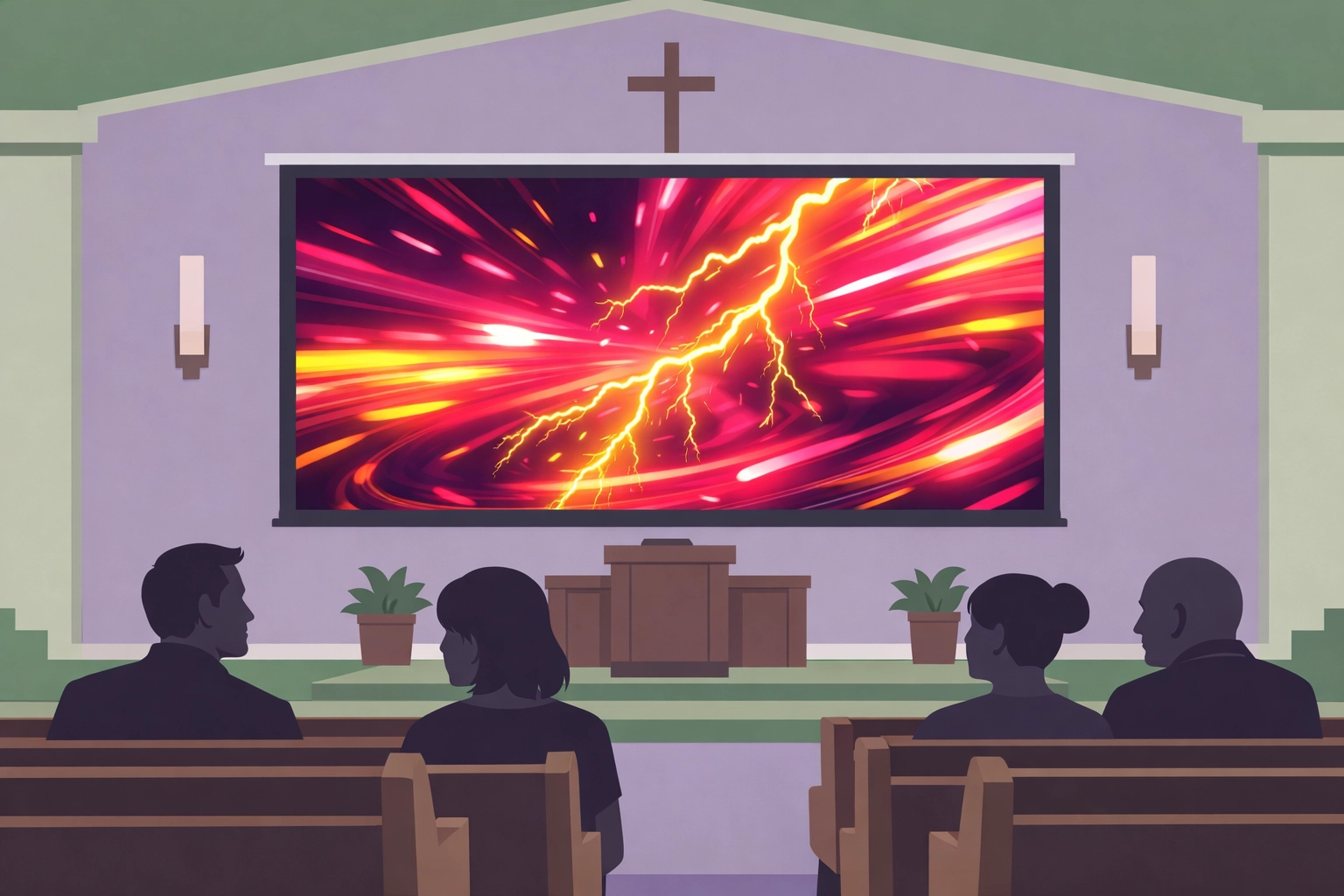
3. Choosing Worship Backgrounds That Compete Instead of Support
Fast loops, neon colors, and hyper-detailed motion graphics might look "dynamic," but they steal attention from lyrics and the worship moment itself. The background's job is to disappear into the experience: not headline it.
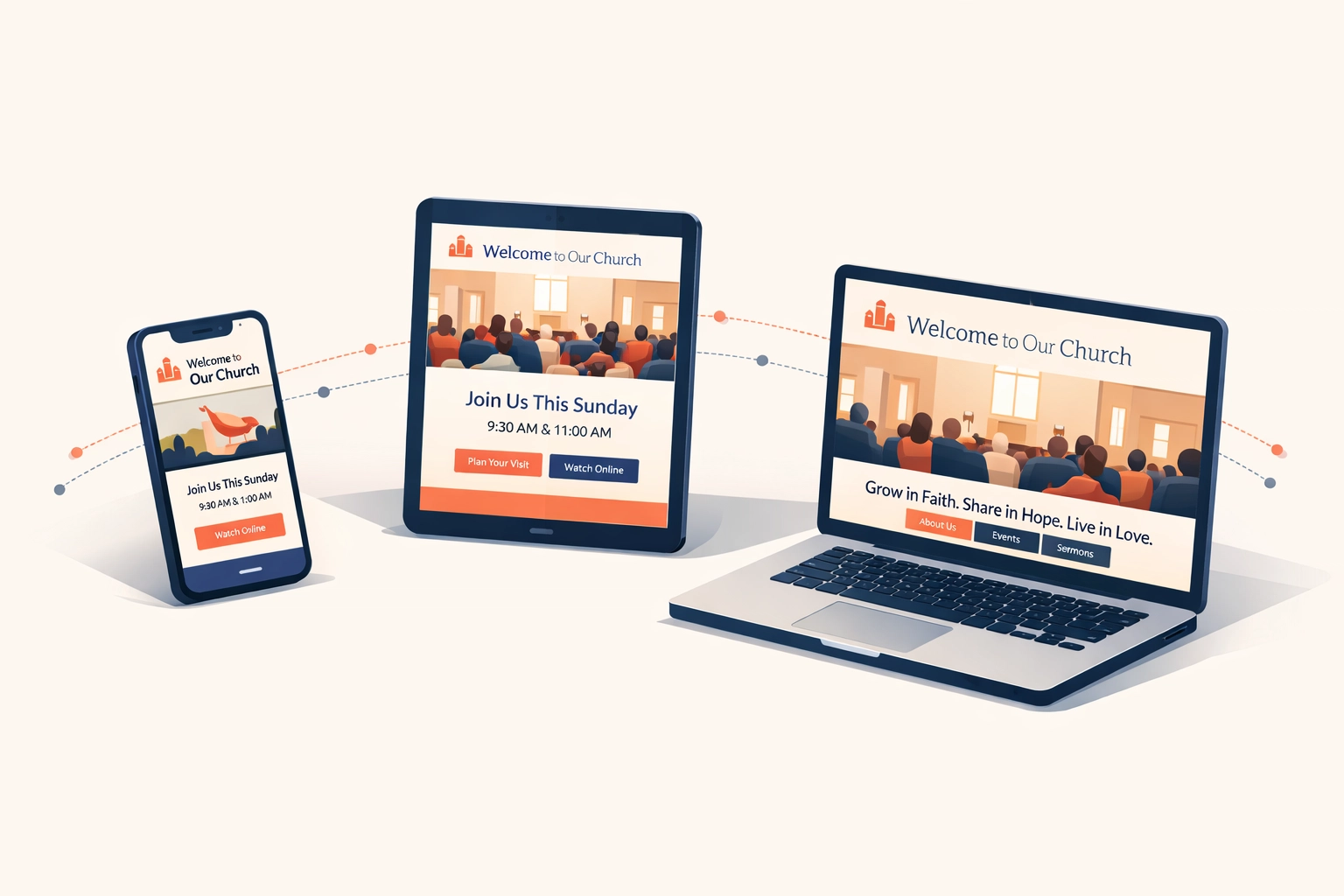
4. Treating Digital Ministry Like an Afterthought
Sporadic updates, outdated event info, and broken links signal to visitors that your online presence doesn't matter. But for most seekers, your website or social feed is their first impression. If it feels neglected, they assume the rest of the ministry does too.
5. Speaking Christianese to a Culture That Doesn't
Religious jargon works great for insiders. For everyone else? It's a language barrier. If your media uses terms like "sanctification" or "propitiation" without context, you're accidentally building walls instead of bridges.
6. Forgetting That Creativity Reflects the Creator
God introduces Himself in Genesis as a creator. When we reduce media to a "nice-to-have" instead of a core ministry value, we're missing the heartbeat of how God designed us to communicate. Creativity isn't fluff: it's a reflection of His image.
The 10 Tools That Actually Help (Without Breaking the Bank)
Here's what's in my current toolkit. These aren't affiliate links or hypothetical recommendations: they're the apps and platforms I reach for when deadlines are tight and the quality bar is high.
1. Canva Pro
The Swiss Army knife for non-designers. Pre-built templates, brand kits, and a massive library of stock photos and graphics. The "Magic Resize" feature alone saves hours when repurposing a single design across Instagram, Facebook, and slides.
2. Motion Worship or Shift Worship
Curated libraries of high-quality worship backgrounds and countdown timers. Instead of hunting YouTube for sketchy downloads, you get clean, licensed loops organized by theme and season. Volunteers can grab what they need without re-inventing the wheel every Sunday.
3. Planning Center
If your team still coordinates via group text and sticky notes, Planning Center brings sanity. Schedule volunteers, upload media assets, and keep everyone on the same page. The "Services" module lets you build a week's slides collaboratively instead of solo at 11 PM Saturday.
4. ProPresenter (or EasyWorship for Budget-Conscious Teams)
ProPresenter is the industry standard for live presentation software: especially if you're running lyrics, announcements, and video seamlessly. It's pricey upfront but worth it for churches with dedicated media teams. EasyWorship offers a simpler, more affordable alternative that still handles the essentials.
5. Descript
For podcasters, sermon editors, or anyone cutting video content: Descript transcribes audio automatically and lets you edit by deleting words from the transcript. No waveform hunting. If you want to remove an "um" or tighten a rambling section, you just highlight and delete like a text document.
6. Epidemic Sound or Artlist
Royalty-free music libraries with actual quality tracks. Whether you need background music for a sermon intro or a soundtrack for a testimony video, these platforms let you download unlimited music without copyright headaches.
7. OBS Studio (Free)
Open Broadcaster Software is the backbone of most live-streaming setups. It's free, flexible, and powerful enough to handle multi-camera switching, overlays, and scene transitions. The learning curve is real, but the YouTube tutorial ecosystem is robust.
8. Notion or Airtable
Content calendars that actually work. Plan sermon series, assign media tasks, track deadlines, and store style guides all in one place. Notion feels like a customizable workspace; Airtable leans more database-style with powerful filtering and views.
9. Adobe Express (Formerly Adobe Spark)
Think of it as Canva's slightly more sophisticated sibling. Great for quick social graphics, video clips, and web pages. The mobile app is surprisingly capable when you need to whip up a last-minute Instagram Story between services.
10. Google Fonts + FontJoy
Overlooked but critical: readable, unified fonts for lyrics and graphics. Google Fonts offers hundreds of free, web-safe options. FontJoy uses AI to suggest pairings that actually look cohesive. No more Comic Sans on worship slides.

How to Actually Use This Stuff (Without Getting Overwhelmed)
Tools are useless if they sit unused. Here's how I onboard new platforms without drowning:
Start with one bottleneck. If your biggest pain point is inconsistent social graphics, focus exclusively on Canva for two weeks. Master templates and brand kits before moving on.
Batch your learning. Block 30 minutes to watch one tutorial, then immediately apply it to a real project. Don't binge five hours of training videos: you'll forget it all by Monday.
Invite your team in early. If volunteers can't navigate the tool, it won't stick. Build simple workflows and document them with screenshots. Make it easier to do it right than to skip it.
Takeaway / Next Step
Christian media creation isn't about flashy effects or expensive gear. It's about clarity, consistency, and remembering that every slide, video, and post is an opportunity to point people toward Jesus. The tools above won't fix a lack of strategy, but they'll remove friction once you know where you're headed.
Pick one mistake from the list above: just one: and commit to fixing it this week. If your slides all look the same, grab a new motion background collection. If your digital ministry feels stale, schedule 15 minutes to update your website's event calendar. Small, consistent improvements compound faster than you think.
Let's Keep Growing Together
If this post helped you spot a blind spot (or gave you a new tool to try), I'd love to hear about it. Feel free to reach out to me on the site at https://www.laynemcdonald.com or connect with our community over at https://boundlessonlinechurch.org. Also, simply browsing the site helps support families in need through ad revenue at no cost to you.
And if you found this helpful, share it with another creator or ministry leader who's wrestling with the same questions. We all get better when we learn together.

$50
Product Title
Product Details goes here with the simple product description and more information can be seen by clicking the see more button. Product Details goes here with the simple product description and more information can be seen by clicking the see more button

$50
Product Title
Product Details goes here with the simple product description and more information can be seen by clicking the see more button. Product Details goes here with the simple product description and more information can be seen by clicking the see more button.
$50
Product Title
Product Details goes here with the simple product description and more information can be seen by clicking the see more button. Product Details goes here with the simple product description and more information can be seen by clicking the see more button.
Comments