Family and Parenting: How to Choose the Best Digital Monitoring Software for Your Family (Compared)
- Layne McDonald
- Mar 1
- 5 min read

Updated: Mar 1
Family and Parenting
Navigating the digital landscape in 2026 feels a bit like walking through a minefield while trying to guide your children toward a beautiful garden. As parents, we want our kids to enjoy the benefits of technology: the learning, the connection, the creativity: but we also know that the shadows of the internet are darker and more pervasive than ever.
Choosing the right digital monitoring software isn't just about surveillance; it's about stewardship. We are called to protect the hearts and minds of our children, treating them as the priceless gifts they are. In this guide, I’m going to break down the top tools available today, comparing them through a lens of safety, faith, and practical parenting.
The Christian Responsibility: Guarding the Gates
Before we dive into the "which" of software, we have to understand the "why." In a religious setting, we often talk about guarding our hearts. In the digital age, that heart has a direct connection to a 6-inch screen in your child's pocket.
The goal of monitoring isn't to catch our children doing something wrong: it's to provide the guardrails they need until they have developed the discernment to navigate the world themselves. It’s about loving them enough to say, "I’m going to help you carry this burden." If you are just starting out, you might want to look at our quick start guide to digital safety for the basic steps before picking a heavy-duty tool.
The Big Comparison: Bark vs. Covenant Eyes
When Christian families talk about digital safety, these two names almost always come up. However, they serve very different purposes.
Bark: The AI Watchdog
Bark is designed for the modern social media era. It doesn’t just block sites; it uses advanced AI to monitor texts, emails, and over 30 social media platforms. It looks for signs of cyberbullying, depression, online predators, and adult content.
Pros: It respects a child's privacy by only alerting parents when something concerning is found. It's excellent for older kids who need a bit of autonomy but still need a safety net.
Cons: It can be technical to set up on iOS devices due to Apple's privacy restrictions.
Covenant Eyes: The Accountability Partner
Covenant Eyes is built on the principle of accountability. It’s less about "parental control" and more about "walking together." It uses Screen Accountability technology to take blurred screenshots and analyze them for explicit content, sending a report to an "accountability partner" (like a parent or mentor).
Pros: Exceptional for building trust and open communication. It’s the gold standard for porn prevention and recovery.
Cons: It doesn’t have the robust social media "alert" system that Bark has for things like bullying or self-harm.
Comprehensive Control: Aura and Qustodio
If you are looking for a more "all-in-one" solution that manages everything from screen time to location tracking, these are your best bets.
Aura Parental Controls
Aura has recently moved to the top of the list for many families because it combines digital safety with identity theft protection. In 2026, protecting your child's digital identity is just as important as protecting their eyes.
Key Feature: The psychologist-backed "Balance" feature helps parents monitor activity without damaging the parent-child trust. It provides insights into how your child is spending their time, helping you have better conversations about their digital habits.
Qustodio
Qustodio is widely considered the best for cross-platform management. Whether your child is on a Kindle, an iPhone, a Windows laptop, or an Android tablet, Qustodio tracks it all.
Key Feature: The "Panic Button." If your child is ever in trouble, they can hit a button on their phone that sends an instant alert and their exact location to a list of trusted contacts. For families who value physical safety as much as digital safety, this is a game-changer.
Network-Level Safety: Circle Home Plus
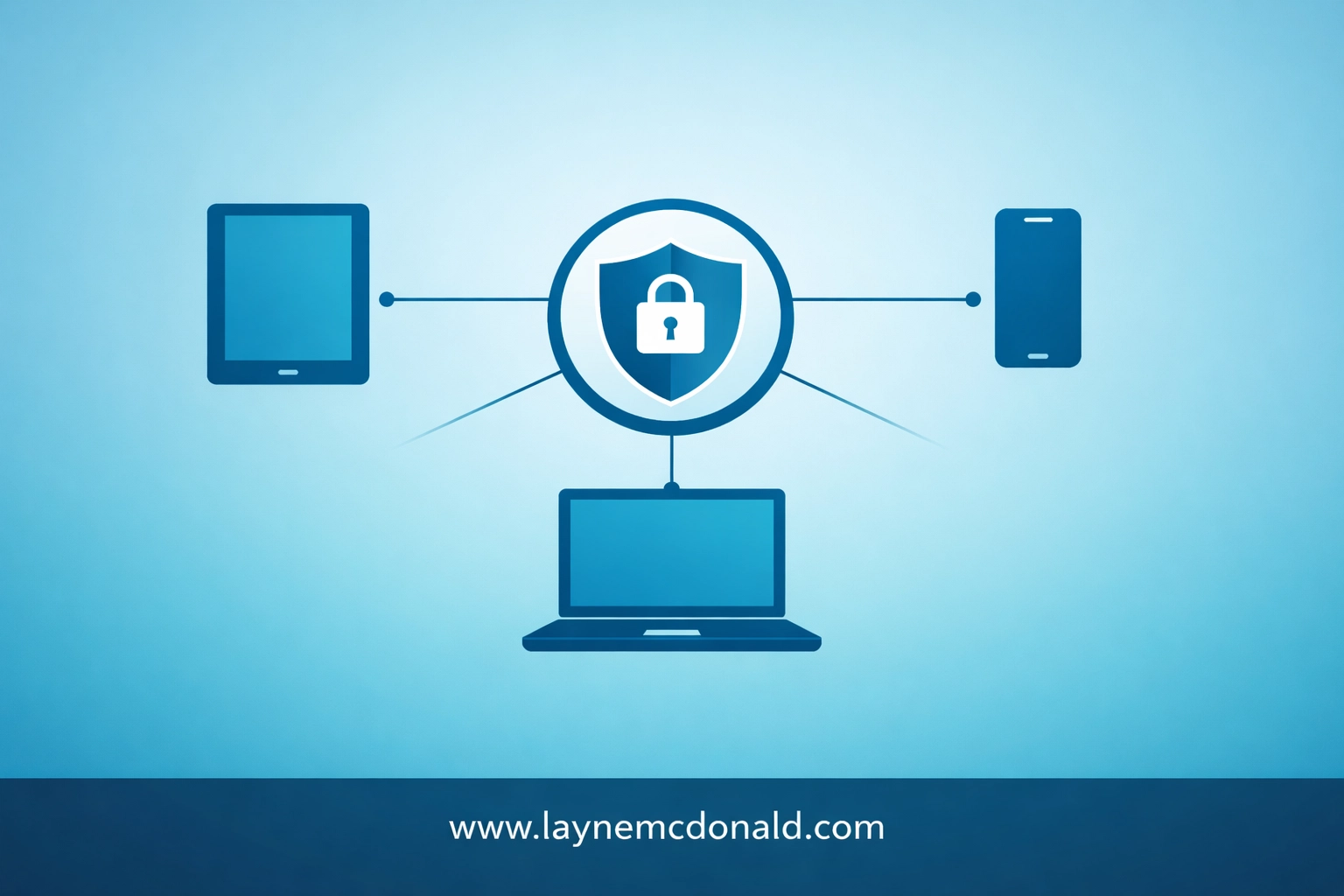
One of the biggest challenges for parents is the sheer number of devices in the home. Between smart TVs, gaming consoles, and guest devices, software installed on a single phone isn't enough.
Circle Home Plus is a hardware device that plugs into your router. It allows you to set filters and "off times" for every single device connected to your home Wi-Fi.
Why it works: You can pause the internet for the whole house during dinner or set a "Bedtime" that automatically cuts off the Wi-Fi for the kids' devices while keeping yours active.
The Limitation: Once the kids leave the house and switch to cellular data, the hardware can't track them unless you also install the Circle app on their mobile devices.
Choosing the Best Tool for Your Family's Stage
Choosing software isn't a "one size fits all" decision. It depends heavily on the age of your children and your specific concerns.
For Families with Young Children (Ages 5-10)
At this age, the goal is total protection. You want a tool that offers strong web filtering and YouTube monitoring. Norton Family is excellent here. It’s user-friendly and keeps a tight lid on what younger children can access, providing clear reports on what they are searching for.
For Families with Tweens (Ages 11-13)
This is the "transition" stage. Kids are starting to want more independence. Qustodio or Aura are great because they allow for screen time limits and location tracking, which are vital as kids start going to friends' houses or staying after school for sports.
For Families with Teens (Ages 14-18)
With teens, the focus shifts to accountability and preparation for adulthood. Bark and Covenant Eyes are the winners here. They allow the teen to have their privacy while ensuring that if they stumble into a dangerous situation, you will be there to help them through it.
Integrating Digital Safety in the Church and Ministry
Digital safety isn't just a home issue; it’s a church issue. When children are in religious settings, we have a sacred trust to keep them safe. If your church provides Wi-Fi for youth groups, using a tool like Circle or a business-grade filter is essential.
Furthermore, we should be teaching our kids that their digital life is an extension of their faith. How we treat others in a comment section or what we choose to view in private matters to God. Using these tools gives us the "data" we need to have those deeper spiritual conversations.
Common Pitfalls to Avoid
Even with the best software, parents can make mistakes that push their children away. Here are a few things to keep in mind:
The "Spy" Mentality: If you install software without telling your child, you are trading long-term trust for short-term control. Be honest. Tell them, "I love you too much to let you face the internet alone."
Set-and-Forget: No software is 100% effective. Algorithms miss things, and kids are clever. You still need to be an active presence in their digital life.
Ignoring Your Own Habits: Our kids are watching us. If we are addicted to our phones or viewing things we shouldn't, no software in the world will convince them to follow the rules we set.
Takeaway / Next Step
Your next step is to have a "Digital Family Meeting." Don't wait until there is a problem to install these tools.
Identify your biggest concern: Is it screen time, pornography, bullying, or location safety?
Pick one tool: Start with Aura for overall protection or Bark if you are worried about social media.
Install it together: Sit down with your child, explain how it works, and let them ask questions. Use this as an opportunity to show them that you are on their team, not their case.
Protecting our families in this digital age requires a combination of high-tech tools and high-touch parenting. By setting these guardrails, we create a space where our children can grow in wisdom and stature, safe from the storms of the digital world.

Reach out to me on the site.
Visiting helps raise funds for families who lost children at no cost. https://www.laynemcdonald.com https://www.boundlessonlinechurch.org
Need prayers? Text us day or night at 1-901-213-7341.

$50
Product Title
Product Details goes here with the simple product description and more information can be seen by clicking the see more button. Product Details goes here with the simple product description and more information can be seen by clicking the see more button

$50
Product Title
Product Details goes here with the simple product description and more information can be seen by clicking the see more button. Product Details goes here with the simple product description and more information can be seen by clicking the see more button.
$50
Product Title
Product Details goes here with the simple product description and more information can be seen by clicking the see more button. Product Details goes here with the simple product description and more information can be seen by clicking the see more button.
Comments